













Area with Ozobot
Ozobot
3
•
Math
•
saved


Color Codes
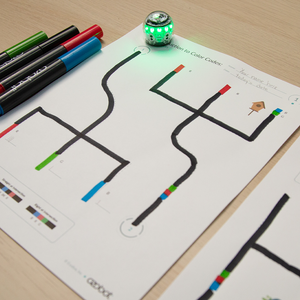
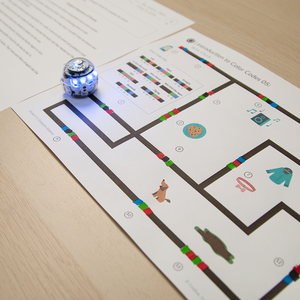
Students program their bot to randomly select a number of units for the length and width of a rectangle. Next, they use the numbers to draw the rectangle on grid paper and find the area by counting the units and multiplying the length by the width.
Academic Standards
CCSS.MATH.CONTENT.3.MD.C.7.a, CSTA.1B-DA-06, ISTE.1.c, ISTE.6.c
Explore by Chapters
Introdution
1 / 10

-
▶
 Introdution
-
2
 Program Your Bot to Randomly Choose Numbers
-
3
 Run Your Bot to Get the Length and Width of a Rectangle
-
4
 Draw the Rectangle on Grid Paper
-
5
 Add to Find the Area
-
6
 Multiply to Find the Area
-
7
 Add Colored Lines to Your Rectangle
-
8
 Run Your Bot to Show the Size of Your Rectangle
-
9
 More Fun On Your Own
-
10
 Lesson Wrap Up
Loading Document...