









Introduction to Color Codes 07: Line Switch
Students will learn Color Codes to program Ozobot to move in a set sequence to and from multiple lines that are not connected.
Introduction to Color Codes 05: Skills Check 1 (Grades K-2)
Students check their understanding of using Color Codes to program their bot to move in a set direction, change speed or complete a special move to show the actions in a sentence.
Whale Fall Cycle
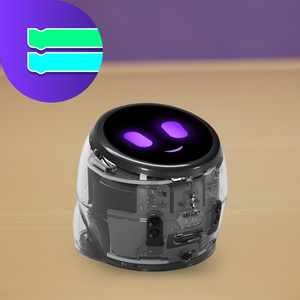
Program Ari to represent stages of a whale fall and the ecosystem that forms on the ocean floor. Students use color codes and sequencing to create and refine scientific models.
Introduction to Color Codes 09: Skills Check 2 (Grades K-2)
Students apply their understanding of Timers and Line Switch Color Codes to program Ozobot to complete a scavenger hunt.
Introduction to Color Codes 06: Timers
Students will learn Color Codes to program Ozobot to run and stop following a timer. They will also observe how speed and pauses affect how far Ozobot can travel in a set amount of time.
Introduction to Color Codes 04: Direction
Students will explore the random choice Ozobot makes at intersections when not programmed to turn a certain direction. They will also program their bot to turn a specific direction at intersections and gain experience using u-turn codes.
Introduction to Color Codes 03: Special Moves and Win
Students will learn how to draw Color Codes to program Ozobot to complete special moves.
Introduction to Color Codes 02: Speed
Students will learn how to draw Color Codes to program Ozobot to change speed.
Introduction to Color Codes 01: Basic Training
Students will discover the basics about how to use Ozobot: turning on/off, calibrating, drawing lines, and programming with Color Codes.
Ocean Energy Food Chain
Bring the energy of ecosystems to life by programming Ari to simulate the flow of energy through a vibrant ocean food chain, from the sun to producers, consumers and decomposers. Use sequencing language to craft and present your model to your others!